
How Wattson works

AI workflows that fit the systems and rules you already use.

Wattson coordinates patient access and engagement workflows across channels, scheduling rules, EHR connections, consent state, analytics, and staff handoffs.
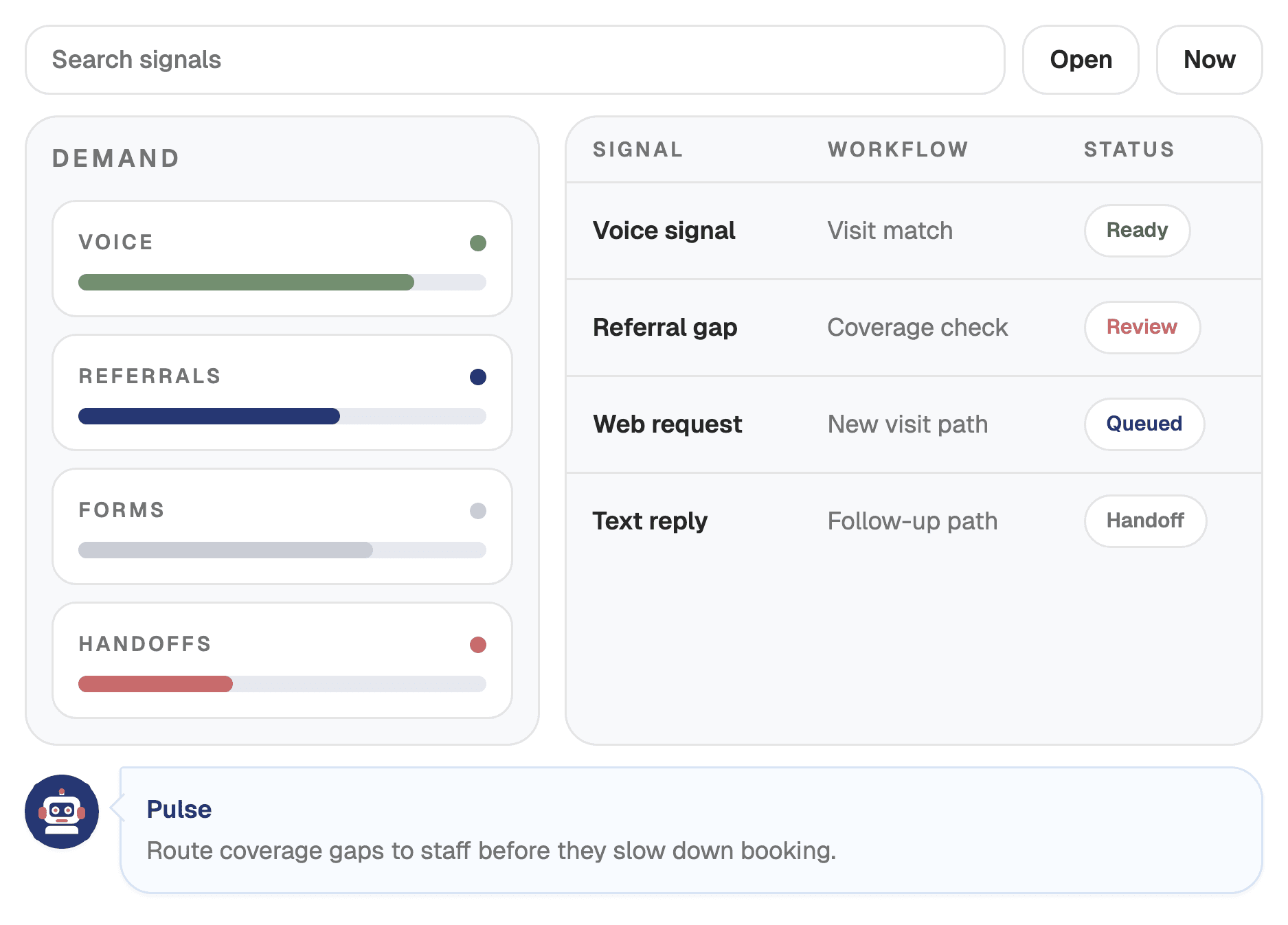
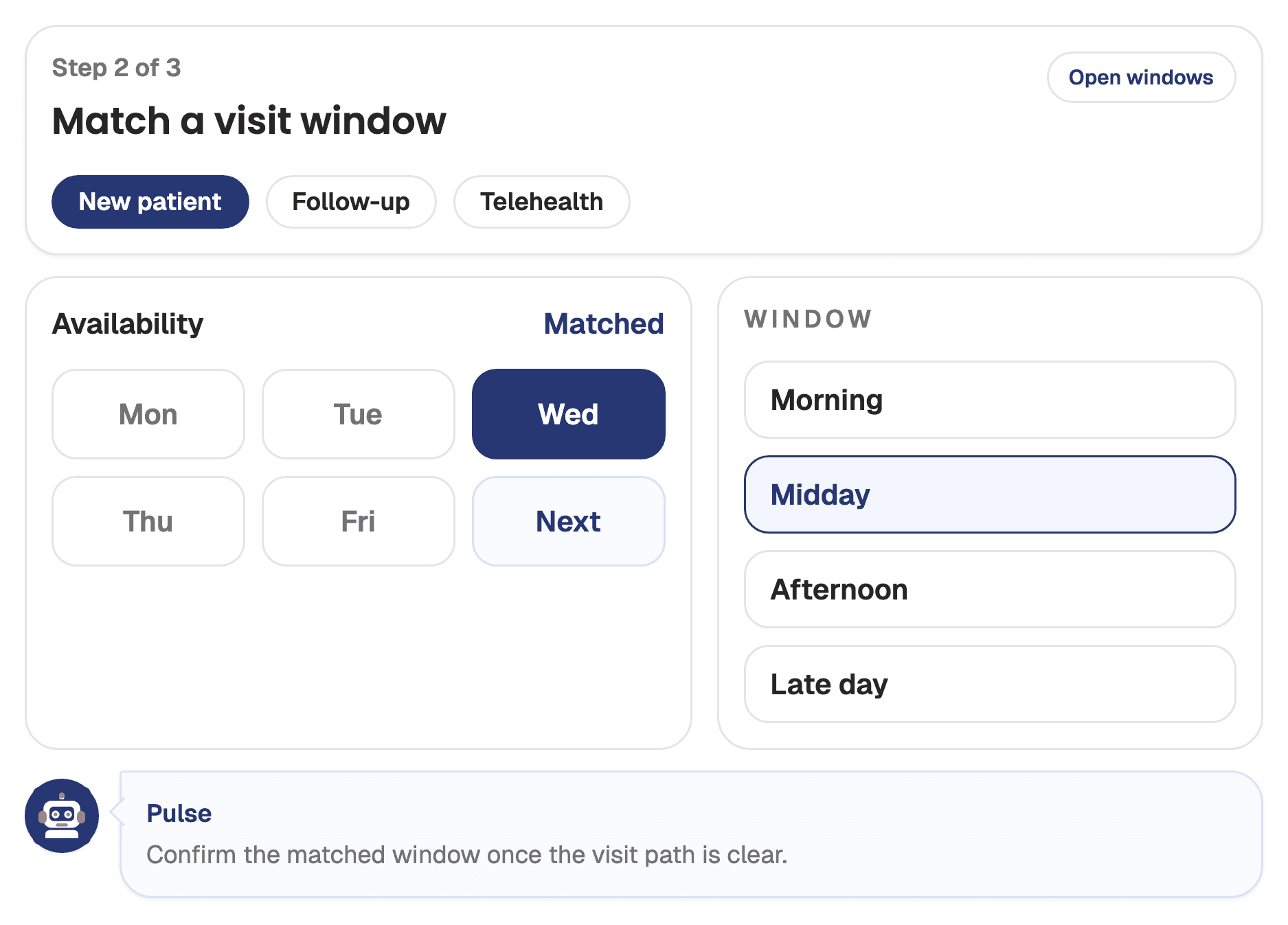
Patient access team around Wattson workflow orchestration

From patient request to staff-ready action.

Wattson applies configured rules before deciding whether to automate the next step or route the work to staff.

1

Channels capture the request

Voice, SMS, email, and web workflows turn calls, forms, referrals, replies, and after-hours demand into structured work.

2

Rules guide the next step

Appointment types, locations, providers, eligibility, recall logic, consent state, and escalation policies shape each workflow.

3

Wattson completes or routes

Clean paths move toward booking, rescheduling, intake, reminders, follow-up, recall, or reactivation.

4

Staff gets the right handoff

Exceptions route to staff with conversation context, patient state, workflow reason, and audit history.

The workflow layer between patient demand and the system of record.

Each request moves through the same decision path: trigger, rules, action, and systems.

TriggerRulesActionSystems
Inbound access requestPatient identity, appointment type, location, provider availability, insurance need, consent stateAnswer, collect, schedule, or routeVoice, web, SMS, EHR/PM
Referral follow-upReferral source, specialty, urgency, missing documents, outreach permissionsStart outreach and gather missing contextReferral queue, EHR/PM, SMS, email
Cancellation or no-showCancellation reason, slot timing, waitlist fit, patient preferenceOffer reschedule or refill the openingSchedule, waitlist, messaging
Post-visit follow-upVisit outcome, follow-up timing, recall cohort, channel preferenceTrigger recall, reactivation, or follow-up bookingPulse, schedule, SMS, email

Automate when the path is clean. Hand off when review is better.

Wattson does not need every workflow to be fully automated on day one. Teams can choose direct write-backs, staff-confirmed actions, or both.

Direct automation

Used when the connected system supports the action and the request matches the configured workflow rules.

  • Supported EHR/PM scheduling or write-back path
  • Clean request with required patient and visit details
  • Audit event created for the completed workflow step

Staff-confirmed action

Used when policy, system limits, coverage questions, or request complexity make human review the better path.

  • Structured queue item with patient context
  • Conversation summary, missing details, and next step
  • Escalation reason preserved for review

Built for healthcare workflow constraints.

The operating model is designed for real access teams: mixed systems, consent rules, handoffs, audits, and phased launches.

EHR and PM alignment

Wattson can write to supported systems or create staff-confirmed actions when direct automation is not the safest path.

Consent-aware outreach

Communication preferences and SMS, email, and voice consent guide outbound workflows before patients are contacted.

Audit-ready operations

Staff handoffs, preference changes, workflow activity, and analytics are structured for operational review.

Launch without replacement

Teams can start with one high-volume workflow and expand across channels, locations, integrations, and continuity programs.

Launch one workflow, then expand.

Most teams start where leakage is visible, prove the operational lift, and expand into adjacent access and engagement workflows.

Map the highest-leakage access or engagement workflow
Configure channels, rules, handoffs, and consent requirements
Connect supported systems or define staff-confirmed actions
Measure booked visits, recovered visits, recall activity, and LTV lift